


If you’ve ever wanted to play PS Vita games on your Android device, the Vita3K emulator makes it possible! This guide will walk you through an easy step-by-step setup so you can start playing your favorite Vita titles in no time.
What is Vita3K?
Vita3K is the first open-source PlayStation Vita emulator, allowing you to run Vita games on various platforms, including Android. While it’s still in development, it has made great progress in running many PS Vita games smoothly.
Step 1: Download & Install Vita3K
1. Download the Vita3K APK
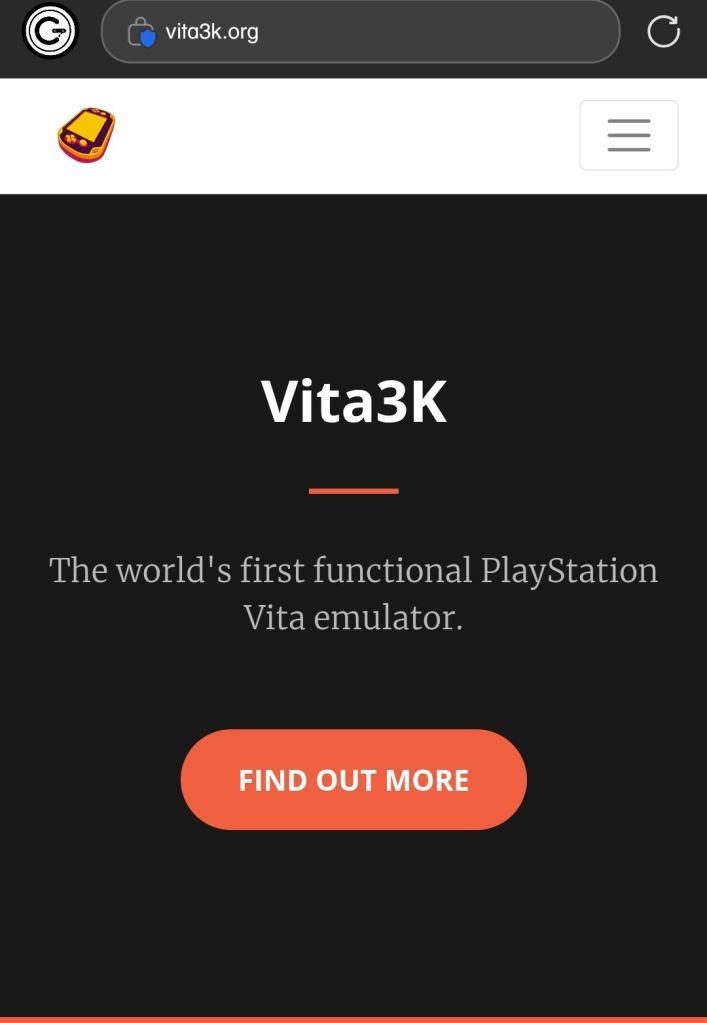
- Go to the official Vita3K GitHub Releases or Vita3K Official Site.
- Download the latest APK file for Android.
2. Install the APK
- Open the downloaded APK file.
- If prompted, allow installation from unknown sources in your settings.
- Complete the installation and launch the Vita3K app.
Step 2: Install Firmware & Fonts
To run games properly, Vita3K requires firmware and font packages.
1. Download & Install Firmware
- Open Vita3K and select your language.
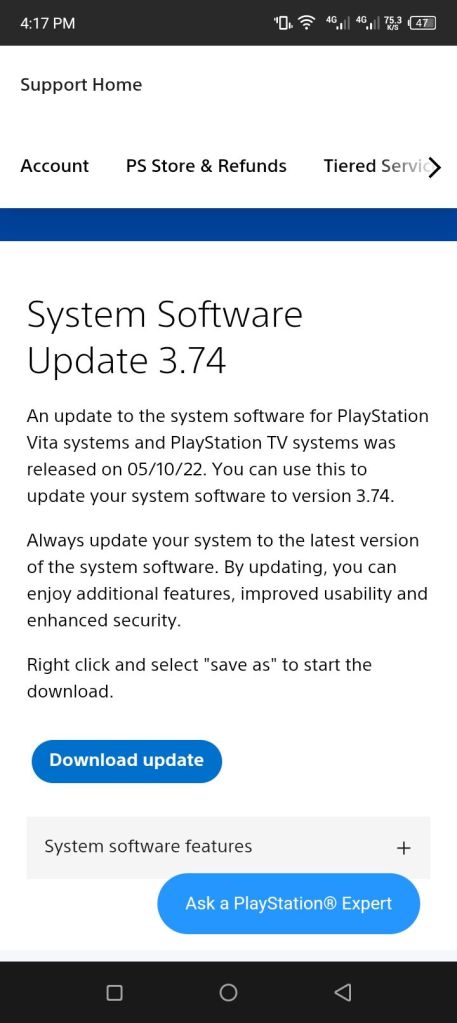
- Tap Download Firmware and then Download Update.
- Long-press the Download Update button and open it in a new tab.
- This will download a file named PSVUPDAT.PUP.
- Return to Vita3K, tap Install Firmware File, and select PSVUPDAT.PUP.
- Let the installation complete, then press OK.
- Download Firmware

2. (Optional) Download & Install Fonts
- Tap Download Font Package (it should download automatically).
- Return to Vita3K and install the font package.
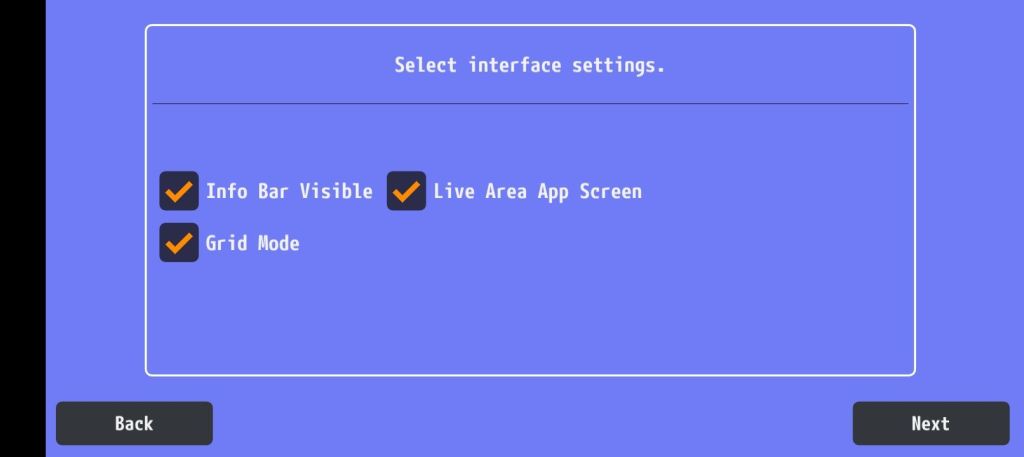
Once installed, click Next twice and tap OK.

Step 3: Set Up Your User Profile
- A welcome message will pop up—close it by tapping the X or unchecking Show Next Time.
- Click Create User and enter your username and profile picture.
- Enable Automatic User Login and select your username.
- You’re now on the PS Vita home screen!


Step 4: Configure Controls (Optional)
If you prefer using a controller, follow these steps:
- Tap Controls > Overlay > Uncheck Show Gamepad Overlay to remove on-screen buttons.
Step 5: Install & Play PS Vita Games
1. Install Games
- Tap File in the top-left corner.
- Select Install ZIP if your ROMs are compressed or choose another format.
- Navigate to your game directory and select a game to install it.


2. Start Playing
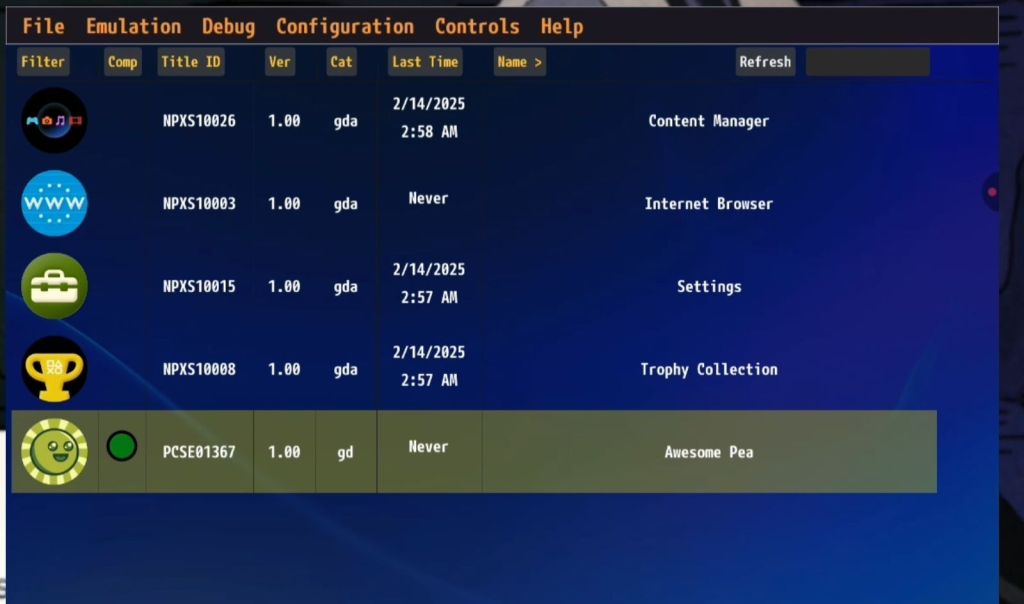
- Once installed, select your game from the main screen.
- Use Android’s back button to exit the game when needed.

Conclusion
That’s it! You’ve successfully set up Vita3K on Android and can now enjoy PS Vita gaming on the go.
If you found this guide helpful, be sure to share it and check out more gaming tutorials on Gwim Gaming!


